

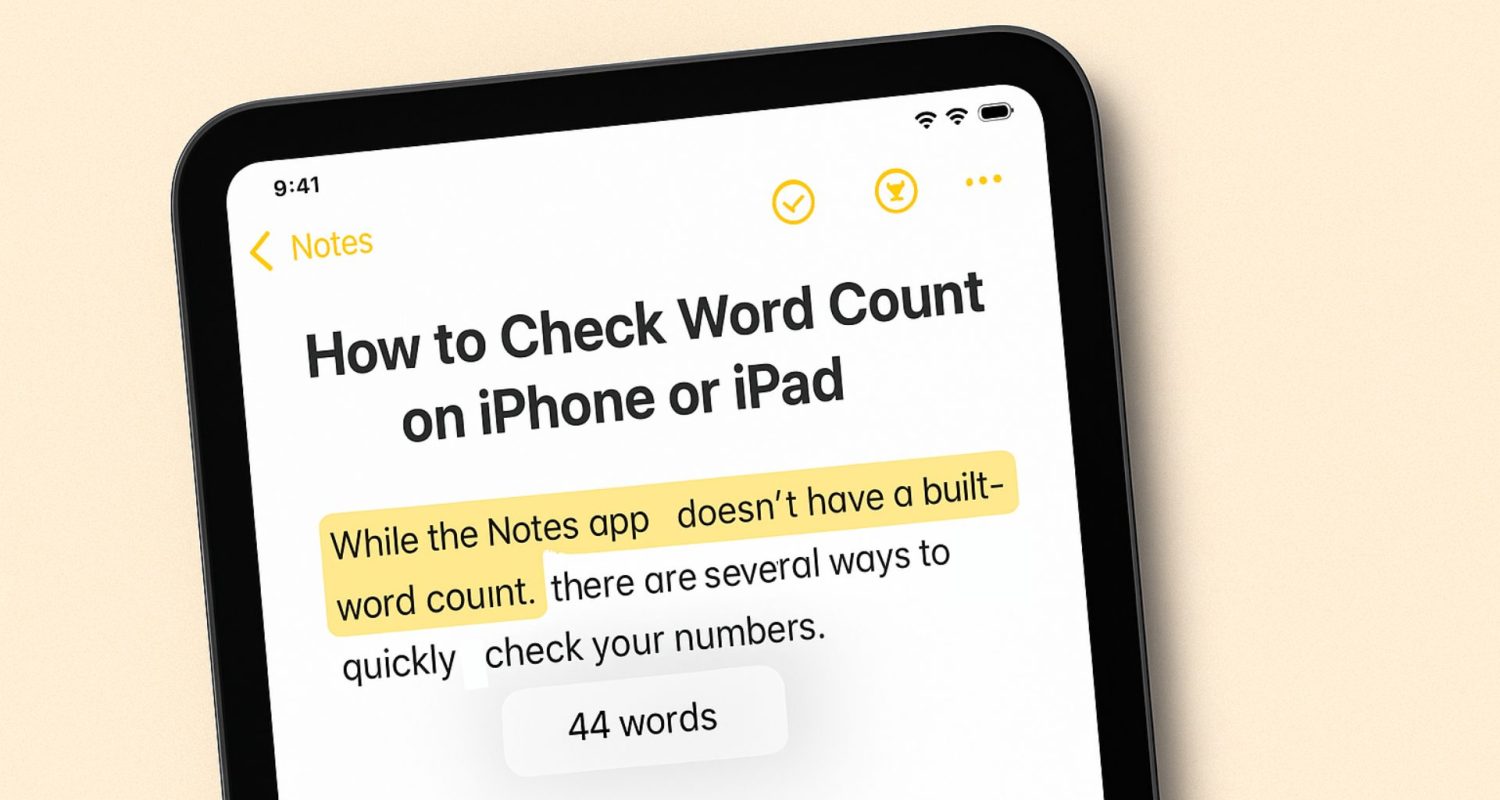
How to Check Word Count in Apple Notes on iOS.

Quick Summary of Contents
Back in December 2018, I walked through how to check word count in Apple Notes using a simple third-party tool. At the time, Notes didn’t offer a native counter, which meant anyone writing blog posts, essays, scripts, or long-form thoughts on their iPhone had to rely on copy-and-paste workflows.
Fast forward almost eight years, and the writing landscape inside iOS has changed quite a bit, but Apple Notes still doesn’t include a built-in word counter. Writers are still looking for simple ways to see word and character counts while staying inside their Notes workflow.
The good news? Today’s tools are better, faster, and far more flexible than those that previously existed. Below are the apps that work reliably today. Each one fits a slightly different writing style.
1. Word Count – Advanced Counter (2025 version)
The old favorite is still around and gets the job done. It’s cleaner, more stable, and just as simple to use. This lightweight iOS utility analyzes pasted text or works through the Share Sheet to show word count, character count, lines, paragraphs, and reading time. It’s ideal for anyone who writes in Apple Notes and needs quick, occasional word-count checks.
Pros:
- Still free and simple
- No learning curve
- Works instantly with Notes via Share → Word Count
- Ideal for quick checks without switching editors
Cons:
- Still not a full editor
- Still doesn’t autosave content
- Best for “check and go” rather than writing long drafts
2. CountAnything
A newer, well-polished word-stats tool built for iOS and iPadOS. It reads text from the Share Sheet, clipboard, or imported files and gives you detailed counts for words, characters, sentences, paragraphs, reading time, and even language detection. It’s a solid choice for writers who want deeper insight than Apple Notes can provide.
Pros:
- Fast and accurate
- Counts sentences, which many apps skip
- Clean interface
- No ads
Cons:
- Not free
- Requires switching apps unless using Share Sheet
3. Notes Writer Pro
It’s not Apple Notes, but it works nicely alongside it. Notes Writer Pro gives you a complete writing environment with built-in word count, stronger formatting tools, and simple import and export options. It’s an excellent fit for anyone who enjoys using Notes but needs something a bit more robust for longer projects.
Pros:
- Real-time word count
- More writing tools than Notes
- Autosave
- Supports handwriting, PDFs, and typing
Cons:
- Another app to learn
- Overkill for quick notes
- Syncing with Notes requires manual exports
4. iA Writer
A clean, minimalist writing app that pairs well with Apple Notes for writers who start in Notes but finish in a distraction-free environment.. It gives you a focused space to write with markdown support, real-time word count, reading-time estimates, and simple export options. A lot of people jot down ideas in Notes, then move to iA Writer when it’s time to shape a complete draft.
Pros:
- Real-time counter stays visible
- Great for long drafts
- Works on Mac, iPad, and iPhone
- Exports easily back to Notes or files
Cons:
- Paid app
- Not meant for quick ideas
- Requires switching apps when you want more structure
So what should you use today?
If you spend most of your time writing in Apple Notes, Word Count – Advanced Counter is still the simplest way to check your numbers without slowing down. If you’re tackling longer drafts and want live tracking, iA Writer or Notes Writer Pro give you the kind of writing experience Notes has never quite offered. And when you need deeper stats, CountAnything has you covered.
Even though Apple still hasn’t built a native word counter, the overall process is far more straightforward than it was years ago. Between these apps and the Share Sheet, getting an accurate count is quick, reliable, and almost effortless.
If you’ve found an app or workflow that tops these, I’d love to hear about it. Always happy to learn new tools that make writing smoother.













Leave a Comment